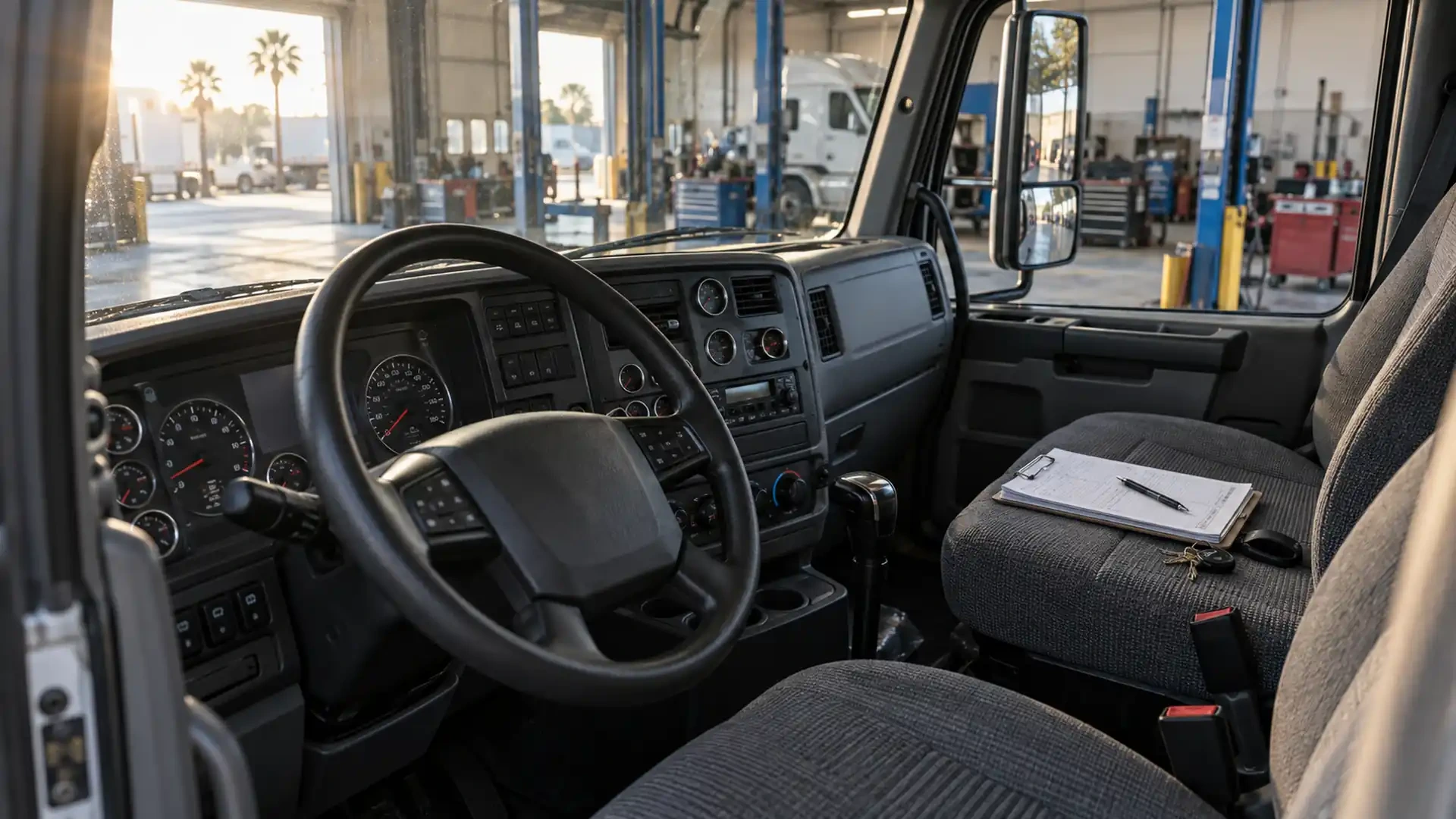
Truck maintenance symptom history: what to record between service visits
A preventive maintenance checklist captures the condition of a truck at one point in time. A symptom history adds the sequence: what changed, when it first appeared, whether it returned and what operating conditions were present.
That record does not diagnose a component or replace an inspection. It helps an owner-operator, driver or fleet contact explain a concern without relying on memory when the truck reaches the shop.
Why a symptom history supports preventive maintenance
Some changes are easy to describe during a service visit. Others appear only after a certain distance, during a particular task or near the end of a shift. If each observation is recorded separately, the pattern can be lost.
A consistent history can help answer practical questions:
Is the change new, gradual or recurring?
Does it appear during startup, braking, turning, idling or another normal condition?
Was maintenance or repair performed before the change began?
Has the same driver or more than one operator noticed it?
Is the condition stable, or has the observation changed over time?
These details provide context for the service conversation. They do not prove the cause.
Start with a repeatable unit record
Use the same basic fields every time a concern is observed:
Unit number, truck identification or fleet reference.
Date and approximate local time.
Driver or person making the observation.
Odometer, engine hours or another available operating reference.
Route, duty or operating condition.
Exact symptom in plain language.
Location where the change seems to be noticed.
Whether the symptom stopped, continued or returned.
Recent maintenance, repair or adjustment that may be relevant history.
If a field is unknown, mark it as unknown rather than filling the gap with an assumption.
Describe the observation without naming the cause
Write what the operator heard, saw, smelled or felt. Avoid converting the observation into a part diagnosis.
For example:
“A repeated vibration was felt through the steering wheel above the usual road speed” is more useful than “the suspension is bad.”
“The sound began after approximately 20 minutes of operation and stopped at idle” preserves the sequence without naming a component.
“A fluid mark appeared below the same area after parking” records location and timing without identifying the fluid from a photograph.
Plain descriptions allow the shop to begin with the evidence instead of correcting an early assumption.
Record the operating context
The same truck can behave differently depending on duty and environment. Include only conditions already present during normal operation; do not recreate a symptom for documentation.
Useful context may include:
Whether the truck was cold or had been operating for some time.
Whether it was parked, idling, accelerating, braking or turning.
Whether a trailer was connected.
Whether the observation occurred on a familiar route or surface.
Weather or visible road conditions when they clearly affected the observation.
Whether warning indicators appeared and what they displayed.
Do not continue operating solely to make the symptom appear again. Follow the applicable operating and safety procedures for the unit.
Add photographs or video only when safe
Visual documentation is useful when it shows a visible change, warning display, fluid pattern or exterior area. Start with a wide image that identifies the location, then add a closer view if it can be captured without entering a hazardous area.
Do not crawl under an unsupported vehicle, approach moving components, open a pressurized system or touch an unknown fluid to improve the record. A missing photograph is better than unsafe documentation.
Label each file with the unit and date so it remains connected to the written entry.
Connect observations to service history
List maintenance or repairs that happened before the symptom began when that information is available. Include the date, type of work and area involved without suggesting that the earlier work caused the current condition.
Also record what happened after service:
Did the original observation stop?
Did it return under the same condition?
Did a different symptom appear?
Was the unit used for a different duty afterward?
This creates continuity between visits and gives the next inspection a clearer starting point.
Turn separate notes into a short timeline
Before contacting the shop, summarize the record in chronological order:
Last known normal operation.
First observation.
Later occurrences or changes.
Maintenance or repair performed in between.
Current condition and whether the unit is operating.
Keep the original entries and media. The summary should make the history easier to scan, not replace the source notes.
Prepare the maintenance request
Send or bring the following information:
Unit identification.
Requested preventive maintenance or known service need.
Short symptom timeline.
Relevant mileage or operating-hour references.
Recent service history.
Safe photographs or video.
Current operating status.
A contact who can answer questions about the observations.
Brothers Truck Trailer provides truck maintenance, general trailer repair, Walking Floor service, aluminum welding, fabrication and parts assistance from its Tampa workshop. The inspection and service scope depend on the unit, its condition and the information available.
Build a short symptom history before your next maintenance visit. Contact Brothers Truck Trailer in Tampa with the unit information, recent service record and safe documentation so the shop can help define the next inspection or service step.

Expert commercial trailer repair in Tampa for Walking Floor, aluminum welding, and fleet maintenance. Minimize downtime with Brothers Truck Trailer Repair.

Preventive maintenance for commercial trailers: inspection checklists, Walking Floor care, aluminum repairs, and fleet service in Tampa Bay.
Master walking floor trailer hydraulic troubleshooting with expert diagnostics, safety protocols, and repair strategies to minimize fleet downtime.