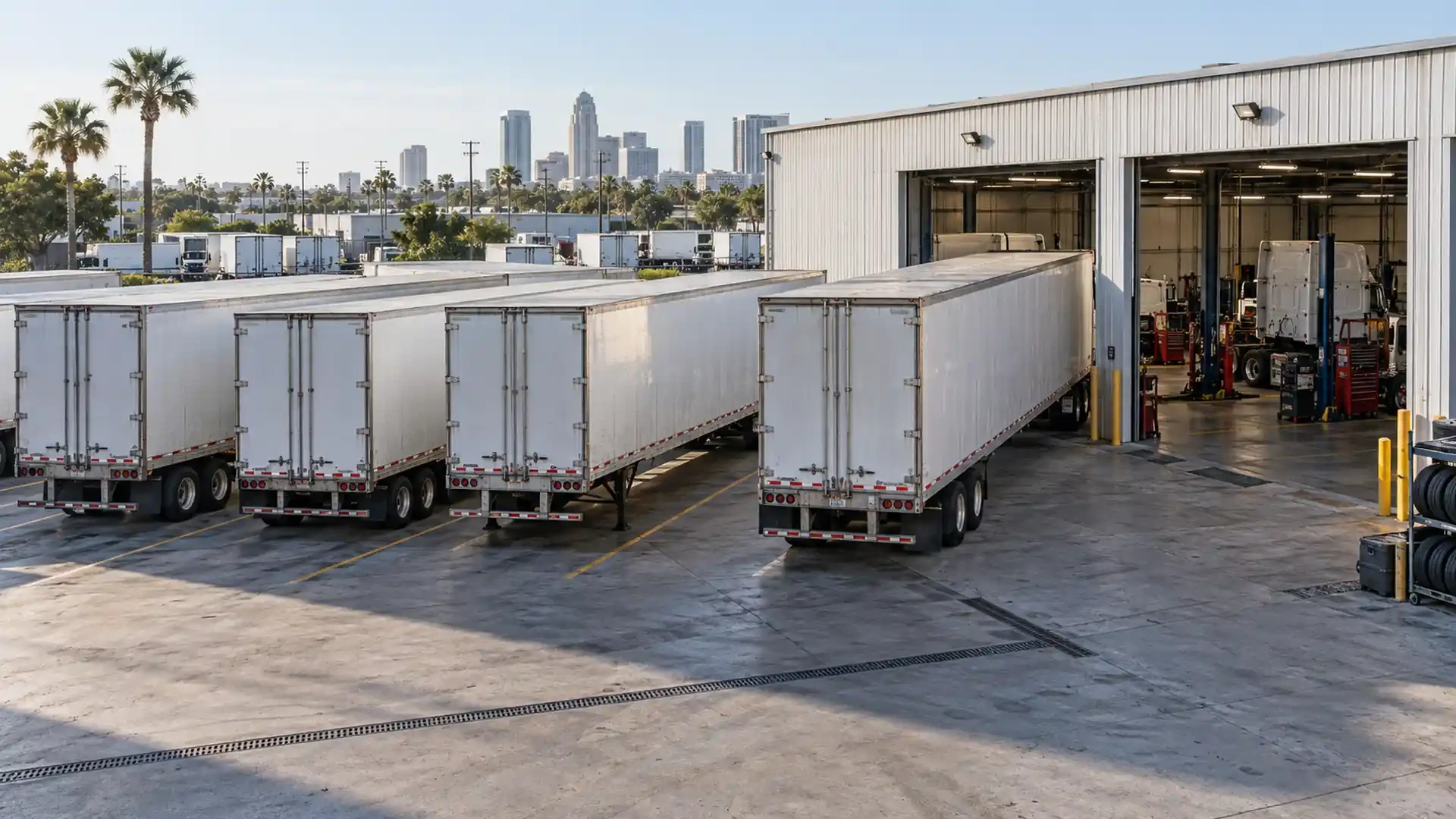
Month-end trailer maintenance review: turn open items into a service request
A month of driver notes, service orders, photographs and shift messages can leave a fleet with a lot of information but no clear next request. A short review brings those records together by unit, shows which observations remain open and gives the responsible contact a practical starting point for the next shop conversation.
This is an administrative review, not a safety clearance or mechanical inspection. The fleet's operating and maintenance procedures govern immediate concerns and decisions about use.
Begin with one list per unit
Keep truck and trailer identifiers visible throughout the review. If a driver reported a truck vibration while a trailer was attached, record both units and distinguish what was actually observed from what is merely associated with the trip.
For each unit, collect:
Recent preventive maintenance records.
Open driver or shift reports.
Repair orders and any follow-up instructions.
Photographs or video labeled with unit and date.
The latest known operating status.
A named contact who can answer questions about the records.
Do not merge two similar sounding reports from different units. If a document is missing, mark the gap rather than reconstructing an unverified service history.
Separate completed work from open observations
A completed repair order describes the work documented by the shop. It does not automatically close every observation in a fleet log. Review each item and give it a clear administrative status:
| Record status | What it means in the review | Next record to find |
|---|---|---|
| Completed and documented | The service document describes the work | Order, date and unit |
| Follow-up noted | The shop or fleet recorded a next check | Written instruction and responsible contact |
| Observation still open | A change remains reported without a confirmed resolution | Latest event, condition and current status |
| Information missing | The note cannot yet be tied to a clear event or unit | Observer, unit ID or source document |
These are record categories, not judgments about whether a vehicle is safe or a repair was successful.
Look for changes across the month
The purpose of the review is to find a useful sequence, not to diagnose from a spreadsheet. Ask:
Which observation appeared for the first time this month?
Which was reported more than once, and under what conditions?
Which unit was serviced between two reports?
Did the description change after service, or is it a different symptom?
Which reports have no current status or assigned follow-up?
Keep original entries. A short summary is helpful only if someone can trace it back to the driver's note, service order or photograph that supports it.
Flag items for the responsible decision maker
Some reports may require prompt attention under the fleet's procedures. Do not wait for a calendar review when there is an active safety concern or an operating status that has not been resolved. Escalate it to the responsible fleet contact through the established process.
For planned service, group related observations under the same unit and make the requested shop action explicit: preventive maintenance, inspection of a reported change, trailer repair, Walking Floor review or another confirmed service. The shop can then evaluate the unit and define scope after reviewing the actual condition.
Avoid assigning a failed component or declaring a priority solely from how often an issue appears in a log. Frequency is context; severity and the appropriate action require the applicable procedure and evaluation.
Send a focused service request
The first message to a Tampa shop can be concise. Include:
Unit identification and current location.
The service or inspection being requested.
A two or three sentence summary of the open observation.
Dates and conditions of the relevant reports.
Recent work that belongs in the history.
Current operating status, as confirmed by the responsible person.
Safe photographs and the underlying documents.
A contact who can answer follow-up questions.
If several units need attention, send a separate summary for each. That preserves the relationship between symptoms, service history and the correct vehicle.
Brothers Truck Trailer provides truck maintenance, trailer repair, Walking Floor diagnosis and repair, aluminum welding, fabrication and parts assistance from its Tampa workshop. The inspection and service scope depend on the unit and its condition. A well organized request helps the first conversation stay focused; it does not guarantee a specific schedule or repair result.
Keep the next cycle connected
After the shop visit, attach the resulting service document to the same unit record. Record the date, documented work, any follow-up instructions and the first observations during normal authorized operation. That makes the next review shorter and prevents an old open item from being mistaken for a new issue.
This closes the information loop: observation, request, documented service and follow-up. It also gives drivers and maintenance contacts a common reference when shifts or responsibilities change.
Choose one unit with an open maintenance item, assemble the latest report and service history, and contact Brothers Truck Trailer to discuss the next inspection or service step in Tampa.

Expert commercial trailer repair in Tampa for Walking Floor, aluminum welding, and fleet maintenance. Minimize downtime with Brothers Truck Trailer Repair.
Preventive maintenance for commercial trailers: inspection checklists, Walking Floor care, aluminum repairs, and fleet service in Tampa Bay.
Master walking floor trailer hydraulic troubleshooting with expert diagnostics, safety protocols, and repair strategies to minimize fleet downtime.